These docs are for an old release.
View the v7 docs
Docs TimeGrid View
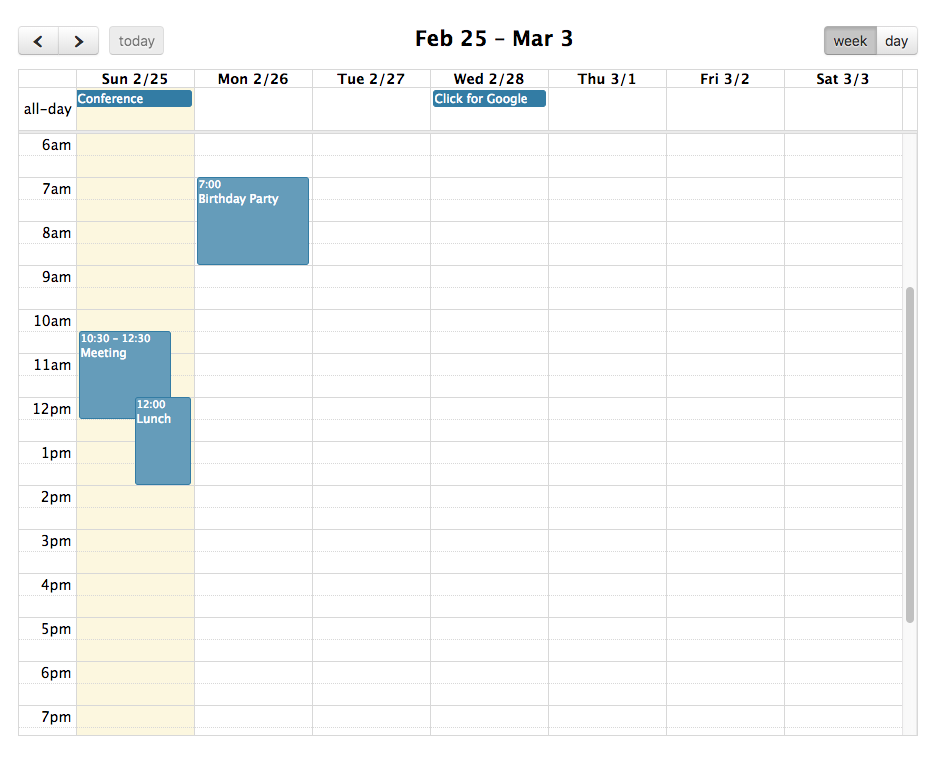
A TimeGrid view displays one or more days side by side, against a vertical axis of time. The time axis usually runs from midnight to midnight. The two predefined TimeGrid views are the timeGridWeek and timeGridDay views. They can be initialized in an ES6 setup like so:
import { Calendar } from '@fullcalendar/core';
import timeGridPlugin from '@fullcalendar/timegrid';
...
let calendar = new Calendar(calendarEl, {
  plugins: [ timeGridPlugin ],
  initialView: 'timeGridWeek'
});
...
Or you can choose to initialized the TimeGrid views as a global bundle:
<link href='fullcalendar/main.css' rel='stylesheet' />
<script src='fullcalendar/main.js'></script>
<script>
...
var calendar = new FullCalendar.Calendar(calendarEl, {
  initialView: 'timeGridWeek'
});
...
</script>
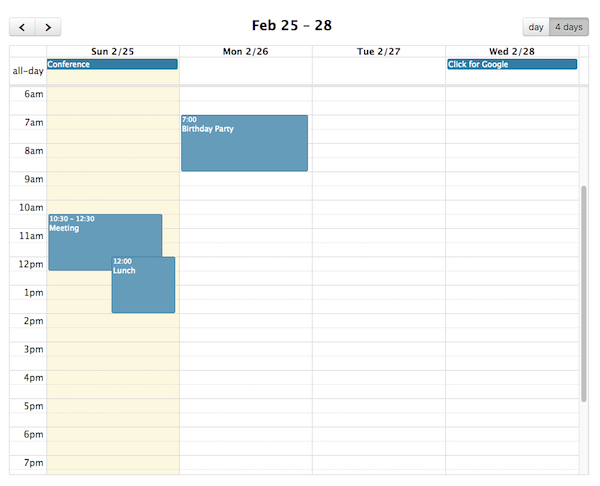
TimeGrid views of other durations can be made with a custom view with type 'timeGrid'.
The following options are specific to TimeGrid view. However, there are numerous other options throughout the docs that affect the display of TimeGrid view, such as the date/time display options and locale-related options.
TimeGrid-specific Options
eventMinHeight
In timeGrid view, the minimum height an event is allowed to be.
eventShortHeight
In timeGrid view, the height threshold for when an event has a “short” style.
slotEventOverlap
Determines if timed events in TimeGrid view should visually overlap.
allDaySlot
Determines if the “all-day” slot is displayed at the top of the calendar.
All-Day Render Hooks
Customize parts of the UI that typically display the text “all-day”.
See Also
eventMaxStack
For timeline view, the maximum number of events that stack top-to-bottom. For timeGrid view, the maximum number of events that stack left-to-right.
slotDuration
The frequency for displaying time slots.
slotLabelFormat
Determines the text that will be displayed within a time slot.
slotLabelInterval
The frequency that the time slots should be labeled with text.
slotMinTime
Determines the first time slot that will be displayed for each day.
slotMaxTime
Determines the last time slot that will be displayed for each day. In line with the discussion about the Event object, it is important to stress that this should be specified as an exclusive end time.
expandRows
If the rows of a given view don’t take up the entire height, they will expand to fit.
nowIndicator
Whether or not to display a marker indicating the current time.
scrollTime
Determines how far forward the scroll pane is initially scrolled.