These docs are for an old release.
View the v7 docs
Docs Event Popover
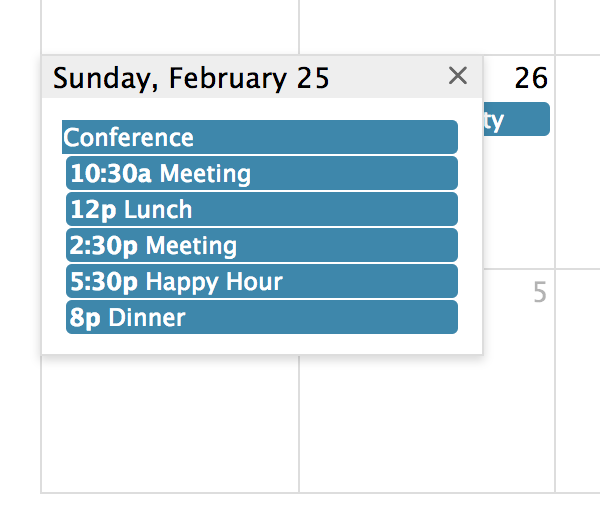
When not all events will fit in a given day, you can display the excess events in a small window that will show up when the user clicks a “more” link.
This UI component only applies to Month view, DayGrid view, and the “all-day” slot of TimeGrid view.
eventLimit
Limits the number of events displayed on a day. The rest will show up in a popover.
eventLimitClick
Determines what happens when the user clicks a “more” link. These links are created by the eventLimit option.
eventLimitText
Determines the text of the link created by the eventLimit setting.
dayPopoverFormat
Determines the date format of title of the popover created by the eventLimitClick option.