These docs are for an old release.
View the v7 docs
Docs Timeline View
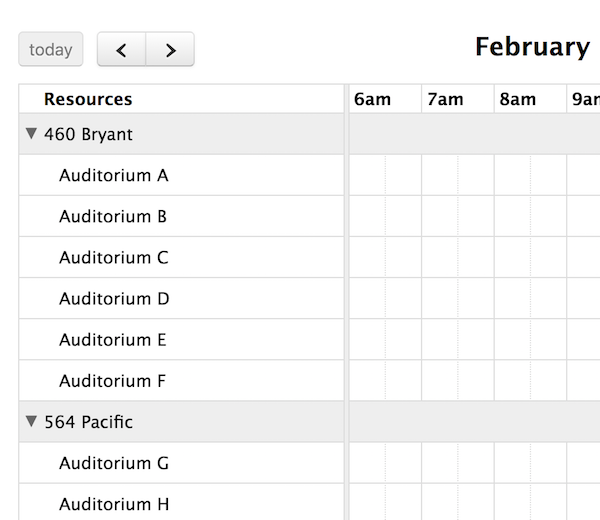
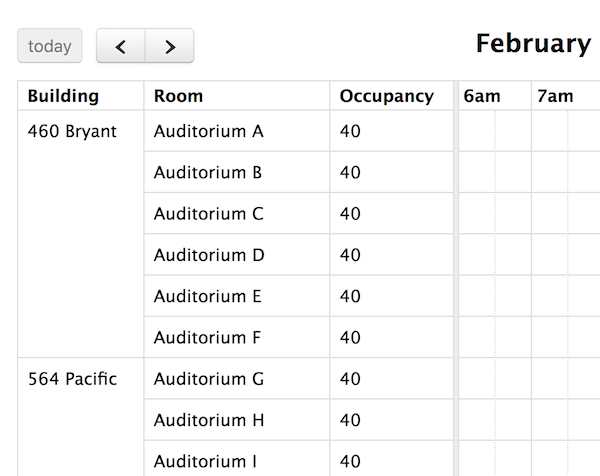
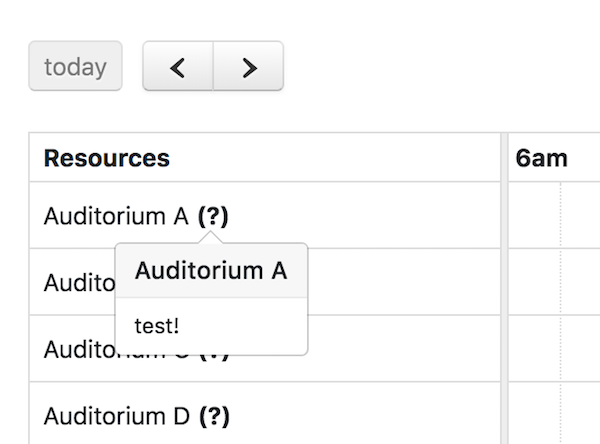
The Scheduler add-on provides a new view called “timeline view” with a customizable horizontal time-axis and resources as rows.
The following pre-configured timeline views are available: timelineDay, timelineWeek, timelineMonth, and timelineYear. They can be initialied like so:
$('#calendar').fullCalendar({
  defaultView: 'timelineDay'
});
If you need a different duration, make a custom view with type 'timeline':
$('#calendar').fullCalendar({
  header: {
    center: 'month,timelineFourDays'
  },
  views: {
    timelineFourDays: {
      type: 'timeline',
      duration: { days: 4 }
    }
  }
});
When creating a custom-duration view, reasonable defaults for the slot-related settings will automatically be chosen.
The following options are specific to Timeline view. However, there are numerous other options throughout the docs that affect the display of Timeline view, such as the locale-related options, date/time display options, and resource display options.
Timeline-specific Options
resourceGroupField
Visually groups resources by certain criteria.
resourceGroupText
Determines the text that is displayed in the resource group divider.
resourceAreaWidth
Determines the width of the area that contains the list of resources.
resourceLabelText
The text that will appear above the list of resources.
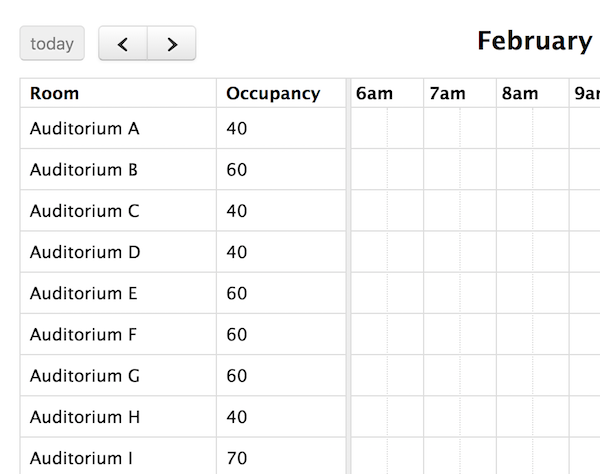
resourceColumns
Turns the resource area from a plain list of titles into a grid of data.
resourcesInitiallyExpanded
Whether child resources should be expanded when the view loads.
slotWidth
Determines how wide each of the time-axis slots will be. Specified as a number of pixels.
See Also
dayClick
Triggered when the user clicks on a date or a time.
slotDuration
The frequency for displaying time slots.
slotLabelFormat
Determines the text that will be displayed within a time slot.
slotLabelInterval
The frequency that the time slots should be labeled with text.
minTime
Determines the first time slot that will be displayed for each day.
maxTime
Determines the last time slot that will be displayed for each day. Specified as an exclusive end time.
nowIndicator
Whether or not to display a marker indicating the current time.
scrollTime
Determines how far forward the scroll pane is initially scrolled.
eventDrop
Triggered when dragging stops and the event has moved to a different day/time.
eventReceive
Called when a valid external jQuery UI draggable, containing event data, has been dropped onto the calendar.